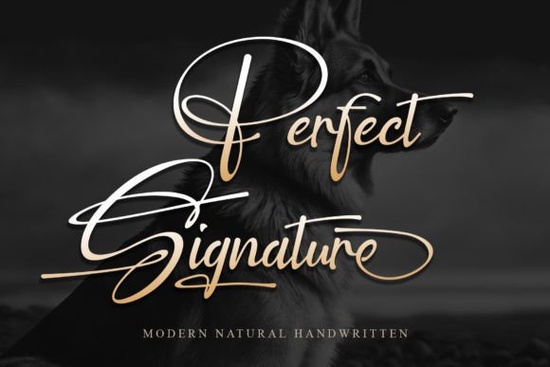
If you’ve been searching for a handwritten font that feels personal but still polished, Perfect Signature Font might be exactly what your next project needs. It’s not flashy or overly stylized just clean, elegant, and effortlessly classy. Whether you’re designing wedding invites, branding materials, or custom merch, this script font adds warmth without losing readability. And if you like fonts with personality, you might also want to peek at Alexia Bright or Celestine both have their own charm for different moods.
What makes this font work for real-world projects?
Let’s be honest: not every signature-style font is practical. Some are too messy, others too stiff. Perfect Signature hits a sweet spot. The letterforms flow naturally, like someone actually picked up a pen but with enough consistency that it won’t confuse your audience. That balance matters when you’re using it on:
- Business cards adds a human touch without looking unprofessional
- Social media quotes stands out in feeds without screaming for attention
- Product packaging especially for handmade goods, skincare, or boutique brands
- Wedding stationery pairs beautifully with serif or minimalist sans-serif fonts
And if you’re selling printables or POD items, customers respond well to fonts that feel “custom” even when they’re not. You can see how Asking for a Friend leans more casual, while Authentic Society gives off vintage vibes. Perfect Signature? It’s your go-to for timeless elegance.
How does it pair with other typefaces?
You don’t need to use it alone. In fact, it shines brightest when paired thoughtfully. Try combining it with:
- A clean sans-serif (like Montserrat or Lato) for contrast
- A classic serif (think Playfair or Georgia) for formal invitations
- A minimal geometric font for modern branding
The trick is to let Perfect Signature take center stage for headlines or accents, then let simpler fonts handle body text. Overusing any script font can make your design feel cluttered even a beautiful one.
Is it beginner-friendly?
Yes and that’s part of why crafters and small business owners love it. No complicated ligatures or alternate glyphs to manage unless you want them. The basic character set covers everything you need for most English-language projects. If you’re using Canva, Photoshop, Illustrator, or even Silhouette Studio, it installs and behaves like any standard OTF or TTF file.
Just remember: because it’s a script, avoid tiny sizes. Anything under 14pt might lose its graceful strokes. And always preview your kerning some letter pairs (like “ly” or “to”) might need a tiny nudge for perfect spacing.
Where should you avoid using it?
Not every context calls for elegance. Skip this font if you’re designing:
- Technical manuals or legal documents
- Long paragraphs (it’s meant to be savored, not scanned)
- High-energy posters or kids’ party themes (unless irony is the goal)
It’s also not ideal for logos that need to scale down to favicon size those delicate lines can blur together. But for anything where you want to convey care, craftsmanship, or a personal connection? Spot on.
If you’re curious how it compares to similar styles, check out Perfect Signature Font directly on Creative Fabrica. You’ll see previews, licensing details, and user reviews all in one place.
Quick checklist before you buy:
- Check the license commercial use? POD? Social templates? Make sure it fits your needs.
- Download the sample test it with your actual words, not just “The quick brown fox...”
- Compare weights/styles some script fonts come with extras like swashes or alternates. This one keeps it simple, which is often better.
- Bookmark the page Perfect Signature is worth revisiting if you’re building a font library over time.
Start small. Use it on one project maybe a thank-you card or Instagram story and see how it feels. Fonts like this grow on you. And once you’ve used it right, you’ll find yourself reaching for it again and again. Not because it’s trendy, but because it just… works.
Download Now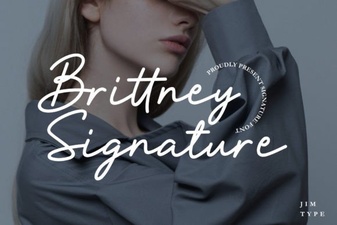 Brittney Signature Fonts for Modern Design Projects
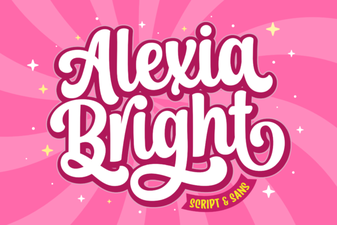 Alexia Bright: Tips for Unique Designs
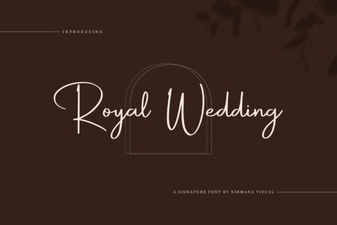 Choosing a Royal Wedding Font for Your Project
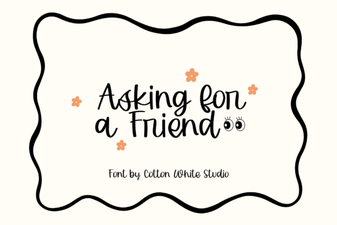 Asking for a Friend Font: Design & Download Guide
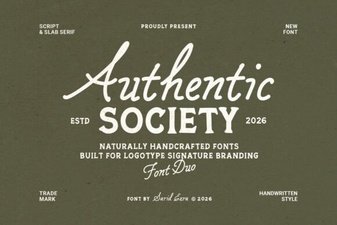 Authentic Society Font for Your Creative Projects
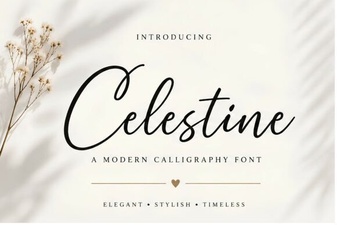 Celestine Font: Elegant Serif for Creative Projects