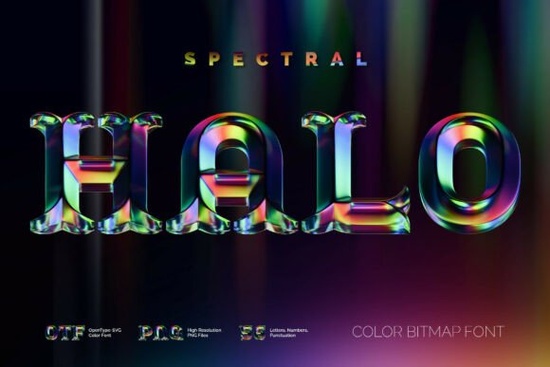
If you’ve been looking for a font that adds depth, texture, and personality without needing extra layers or effects, Spectral Halo might be exactly what your next project needs. It’s a 3D-style color font with soft beveled edges and a subtle glass-like finish that catches light in unexpected ways perfect for posters, merch designs, social media graphics, or even branding elements that want to stand out without being loud.
This isn’t your average vector font. Spectral Halo is an OpenType-SVG font, which means the color and texture are baked right into each letter. You don’t need to apply gradients or overlays just type and go. If you’re familiar with how standard OTF fonts work, you’ll feel right at home. And if you’re not? No worries. Most modern design apps like Adobe Photoshop, Illustrator, Procreate, and Affinity handle it smoothly. (Just double-check your software version if you’re using something older.)
What can I actually use this font for?
Because of its dimensional look and abstract texture, Spectral Halo works especially well when you want to add visual interest without complicating your layout. Think:
- Print-on-demand products mugs, shirts, tote bags where the font becomes the focal point.
- Social media quotes or announcements the reflective texture gives it movement even in static images.
- Event posters or flyers especially music, art shows, or anything with a retro-modern vibe.
- Branding accents logos, headers, or packaging labels that benefit from a tactile, handcrafted feel.
It’s also worth noting that along with the font file, you get high-res PNGs (around 7 megapixels) with transparent backgrounds. That’s handy if you’re working in apps that don’t yet support color fonts, or if you need to drop a pre-rendered word into a template quickly. You can find similar playful options in our collection of colorful display fonts if you’re mixing styles for a project.
Does it support special characters or languages?
Not quite. Spectral Halo supports basic English letters, numbers, and punctuation nothing beyond that. So if you’re designing for multilingual audiences or need accented characters, you’ll want to pair it with a simpler sans-serif as a fallback. The product page includes a full character map screenshot, so always check that before downloading to make sure it has what you need.
Will it work in my design app?
Most likely, yes but here’s the fine print. Color fonts are still relatively new, and while major apps have caught up, some older versions or niche tools might not render the colors correctly. Here’s a quick compatibility snapshot:
- Adobe apps (Photoshop, Illustrator, InDesign) supported since CC 2019+
- Procreate works great on iPad
- Affinity Designer/Photo fully compatible
- Canva, Cricut Design Space, Silhouette Studio may show as flat black or outline only
If you’re unsure, test it with a single character first. Or, fall back to the included PNG files they’re resolution-rich and ready to drag-and-drop anywhere.
How do I install and start using it?
Just like any other font:
- Download and unzip the files.
- Install the .OTF file through your system’s font manager (double-click > Install on Mac/Windows).
- Open your design app, select the text tool, and choose “Spectral Halo” from the font list.
- Type away the color and texture appear automatically.
No plugins. No layering. No masking. What you see is what you get which is a relief when you’re racing against a deadline or experimenting with ideas.
If you like the dimensional style but want something softer or more illustrative, you might also enjoy browsing our curated picks for colorful display fonts. Some lean whimsical, others bold but all share that instant-impact quality designers love.
One last thing before you download
Because Spectral Halo relies on embedded color data, file sizes are larger than typical fonts. Not a dealbreaker, but something to keep in mind if you’re bundling it into client deliverables or web projects. For print and static graphics? Zero issue.
Next step: Open your favorite design app, install the font, and type a single word in large size. Watch how the light plays across the letters. Then ask yourself: Does this fit the mood I’m trying to create? If yes you’ve got a new go-to.
Get Started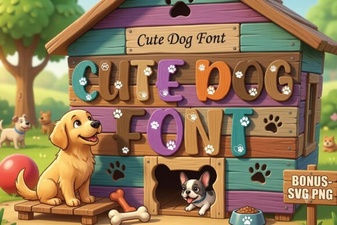 Cute Fonts for Dog-Loving Designers
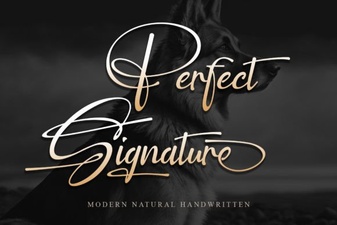 The Best Fonts for a Signature & How to Use Them
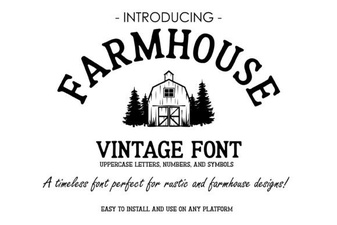 Vintage Farmhouse Fonts for Creative Projects
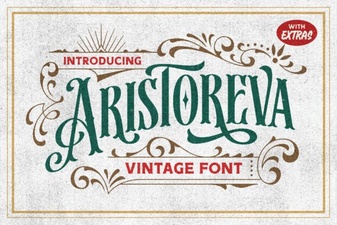 Aristoreva Font: Elegant Typography for Creative Projects
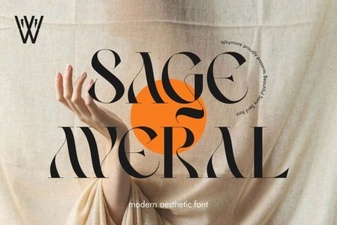 Sage Averal Font: Creative Design Projects
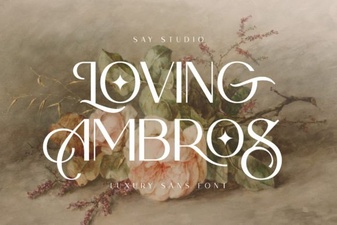 Loving Ambros Font: Creative Typography Projects